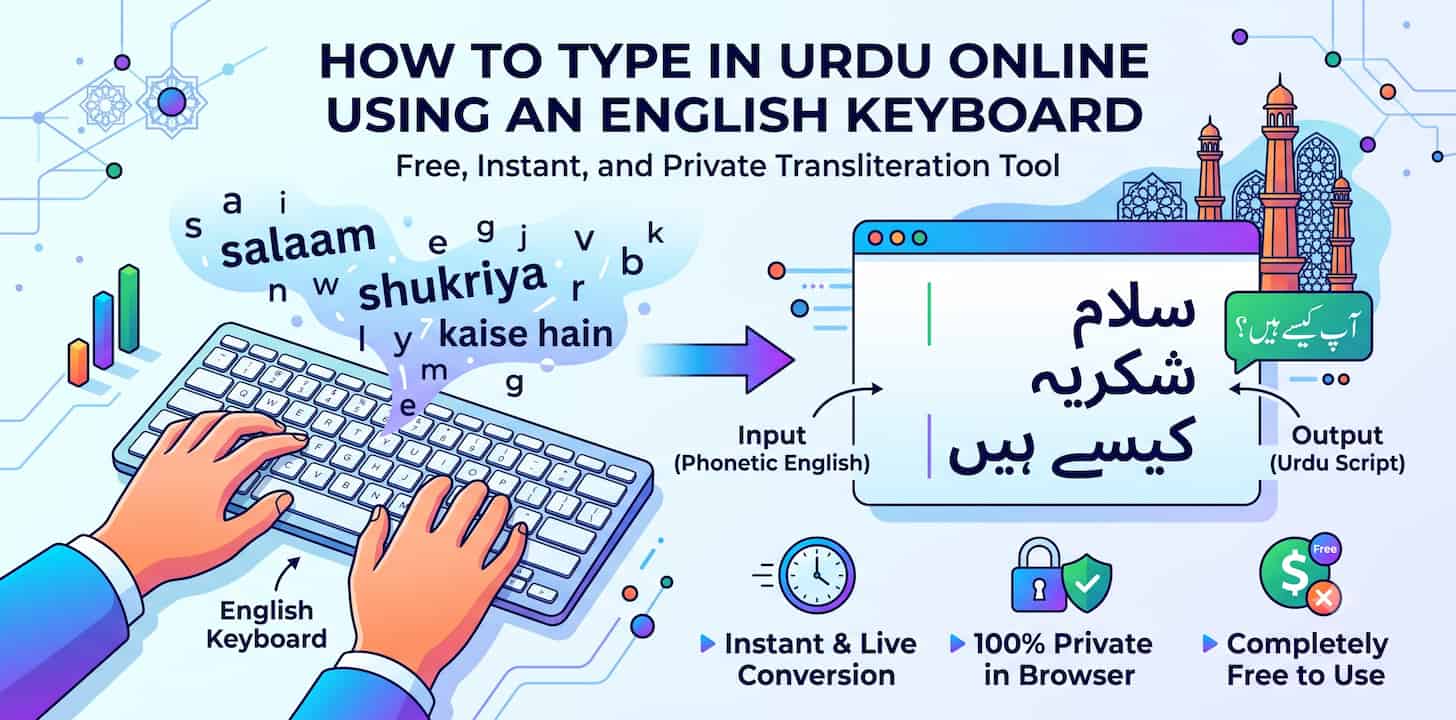
Urdu is written right-to-left in the Perso-Arabic script, which makes it one of the harder languages to type on a keyboard that's only ever been configured for English. Most people who need to write in Urdu — for a message, a social post, or a document — don't have an Urdu keyboard layout installed, and hunting through an on-screen character map one letter at a time isn't realistic for anything longer than a few words.
The practical fix is the same one millions of Urdu speakers already use every day: typing in Roman Urdu (Urdu spelled out phonetically using English letters) and letting a transliteration tool convert it into proper Urdu script automatically.
Why Typing Urdu Directly Is Difficult
A few things make native Urdu typing hard for anyone without a dedicated Urdu keyboard:
- Script direction — Urdu is written right-to-left, which most keyboards and input methods aren't set up for by default
- Contextual letterforms — Urdu letters change shape depending on their position in a word (beginning, middle, end), unlike Latin letters
- No physical layout familiarity — even fluent Urdu readers who grew up using English-layout keyboards often have no muscle memory for where Urdu characters sit on a native keyboard
Installing an Urdu keyboard layout is possible, but it means learning an entirely new key arrangement just to type occasionally. For anyone who only needs to write in Urdu now and then — a message to family, a caption, a comment — that's a disproportionate amount of setup.
Roman Urdu: Typing Urdu the Way It Sounds
Roman Urdu — writing Urdu words using English letters, spelled phonetically — is already how most Urdu speakers text informally. The missing piece is converting that Roman Urdu into actual Urdu script when the situation calls for it: a formal message, a post meant to be read by an Urdu-literate audience, or a document.
A phonetic transliteration tool bridges that gap. You type the way you already text in Roman Urdu, and the tool renders it in correct Urdu script in real time.
How to Type Urdu Online, Step by Step
- Open the free transliteration tool and select Urdu as the output script.
- Type your word or sentence in Roman Urdu — spelled out phonetically the way it sounds, the same way you'd text it informally.
- Watch the Urdu script render automatically as you type.
- Copy the finished Urdu text and paste it into WhatsApp, email, a social media post, or a document.
No Urdu keyboard installation, no character map, no separate app.
Where People Actually Need This
- Messaging family and friends — replying in proper Urdu script instead of Roman Urdu when the conversation calls for it
- Social media posts and comments — writing captions or replies in Urdu for an audience that reads the native script
- Formal or written communication — letters, forms, or documents where Roman Urdu isn't appropriate but a native keyboard isn't available
- Search queries — typing an Urdu search term into a site or app that expects native script input
Your Typing Isn't Sent Anywhere
The conversion runs entirely inside your browser — nothing you type is uploaded to a server to be processed. That's worth knowing if you're typing a personal message, a family conversation, or anything else you'd rather not have logged anywhere outside your own device. Close the tab and there's no trace left behind.
Frequently Asked Questions
What is Roman Urdu?
Roman Urdu is Urdu written using English (Latin) letters, spelled out phonetically the way the words sound, rather than in the native Perso-Arabic Urdu script. Many Urdu speakers already type this way informally in texts and chats.
Do I need to install an Urdu keyboard to type in Urdu?
No. A phonetic transliteration tool converts Roman Urdu (typed with your existing English keyboard) directly into Urdu script, so no keyboard layout installation is required.
Can this convert Roman Urdu into proper Urdu script automatically?
Yes. Type your text phonetically the way you'd normally text it, and the tool converts it into Urdu script in real time as you type.
Is transliteration the same as translation?
No. Translation changes the meaning of a word from one language to another. Transliteration keeps the same word and language but changes the script — you already know the Urdu word; the tool just renders it correctly in Urdu script.
Does this work on mobile as well as desktop?
Yes. Since it runs in your browser, it works the same way on a phone or tablet browser as it does on desktop — no app required.
Is my typed text private?
Yes. All conversion happens client-side in your browser. Nothing you type is transmitted to or stored on a server.
Can I use the same tool for other languages besides Urdu?
Yes — the same transliteration tool also supports Hindi, Tamil, Arabic, Russian, Punjabi, Gujarati, Marathi, Bengali, and more. See our guide on typing in Russian online if you need that next.